Choosing Useful Booking Statuses
A short set of statuses that describes every stage without confusion.
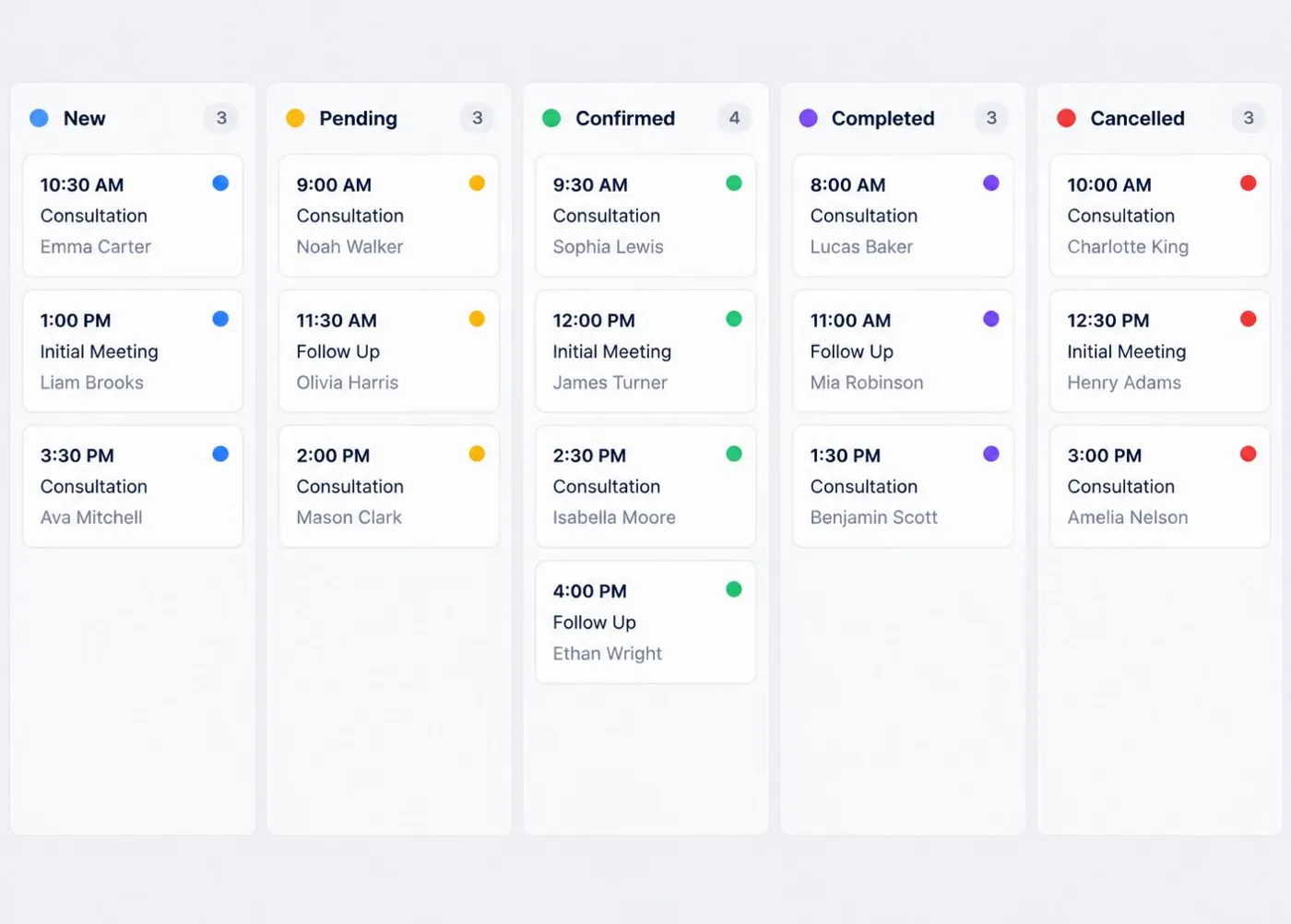
Keep the list short
Most small businesses need no more than eight statuses: New, Pending, Confirmed, In Progress, Completed, Cancelled, No Show and Archived.
Define each one
Agree what each status means. For example, Pending might mean waiting for the customer to confirm a time.
Update promptly
A status is only useful if it is current. Change it when something happens rather than at the end of the week.
Use statuses to review
Filtering by status shows what needs chasing and what can be archived.
A note on expectations
Scheduling software can organise information, but it cannot guarantee bookings, attendance or revenue. Clear records simply make your day easier to follow.
Ready for a More Organised Schedule?
Compare ScheduleSpring packages and choose the capacity that matches your appointments, customers and user requirements.