Appointment & scheduling software · One-time packages · Digital delivery

ScheduleSpring

Features

Practical Tools for an Organised Schedule

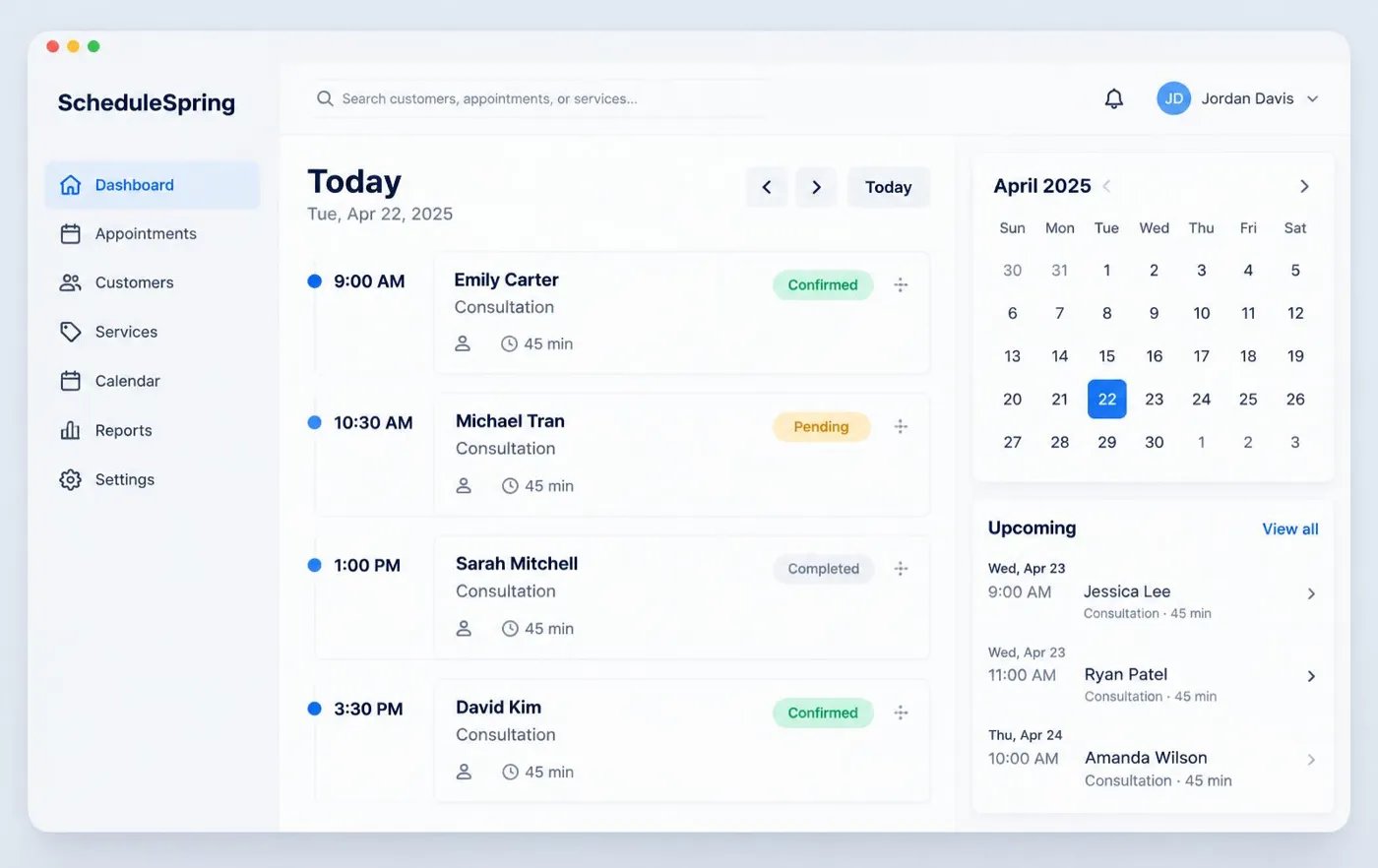
ScheduleSpring focuses on clear appointment records, visible availability and useful customer history.
View Software PackagesExplore Features

ScheduleSpring dashboard previewIllustrative software preview

Appointment Records

Every booking follows the same structure so details are never guesswork.
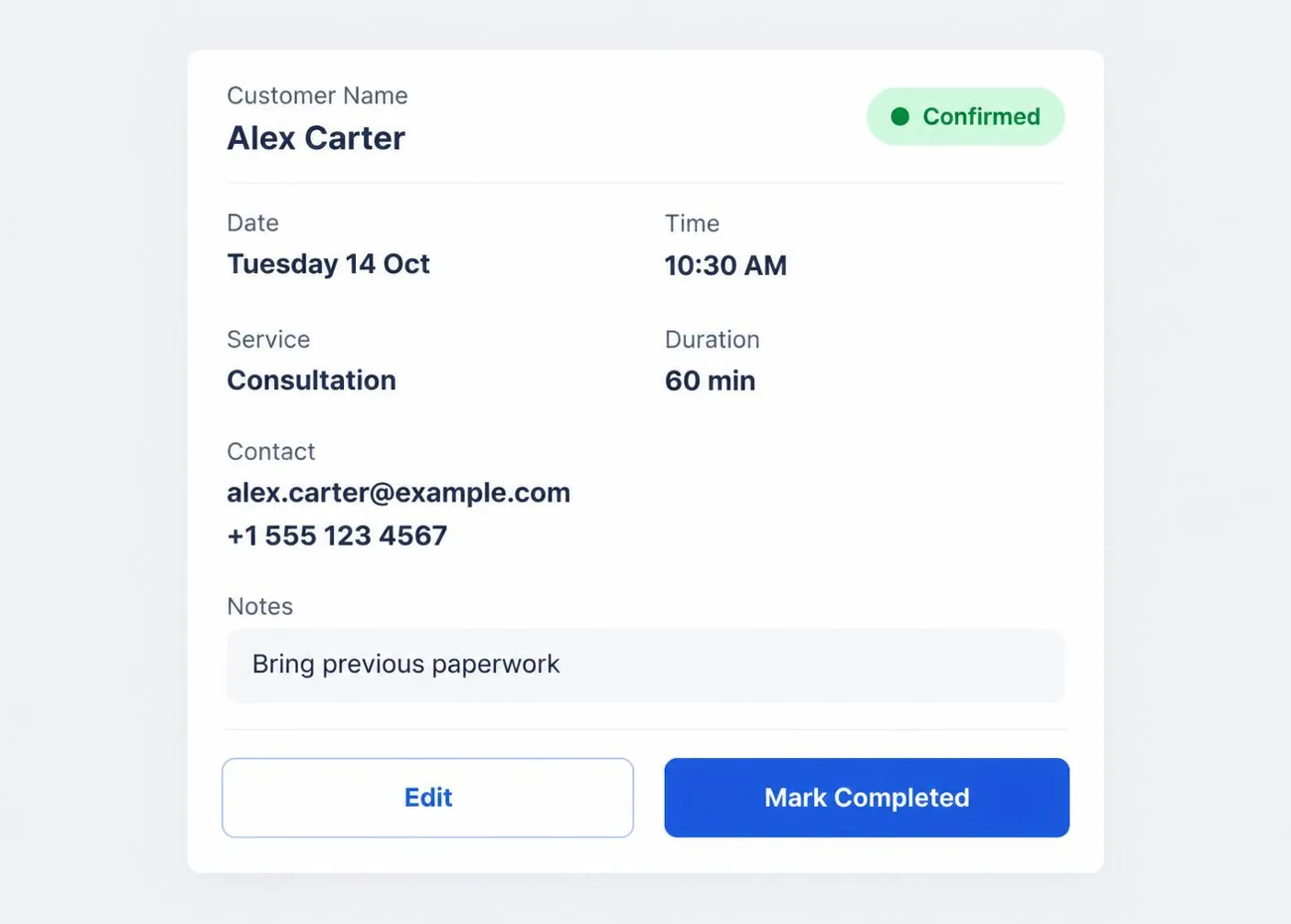
  • Appointment ID
  • Customer and service
  • Date, start time and duration
  • Status and notes
  • Last update
ScheduleSpring appointment records illustrative preview

Customer Records

Keep contact details and appointment history in one record.
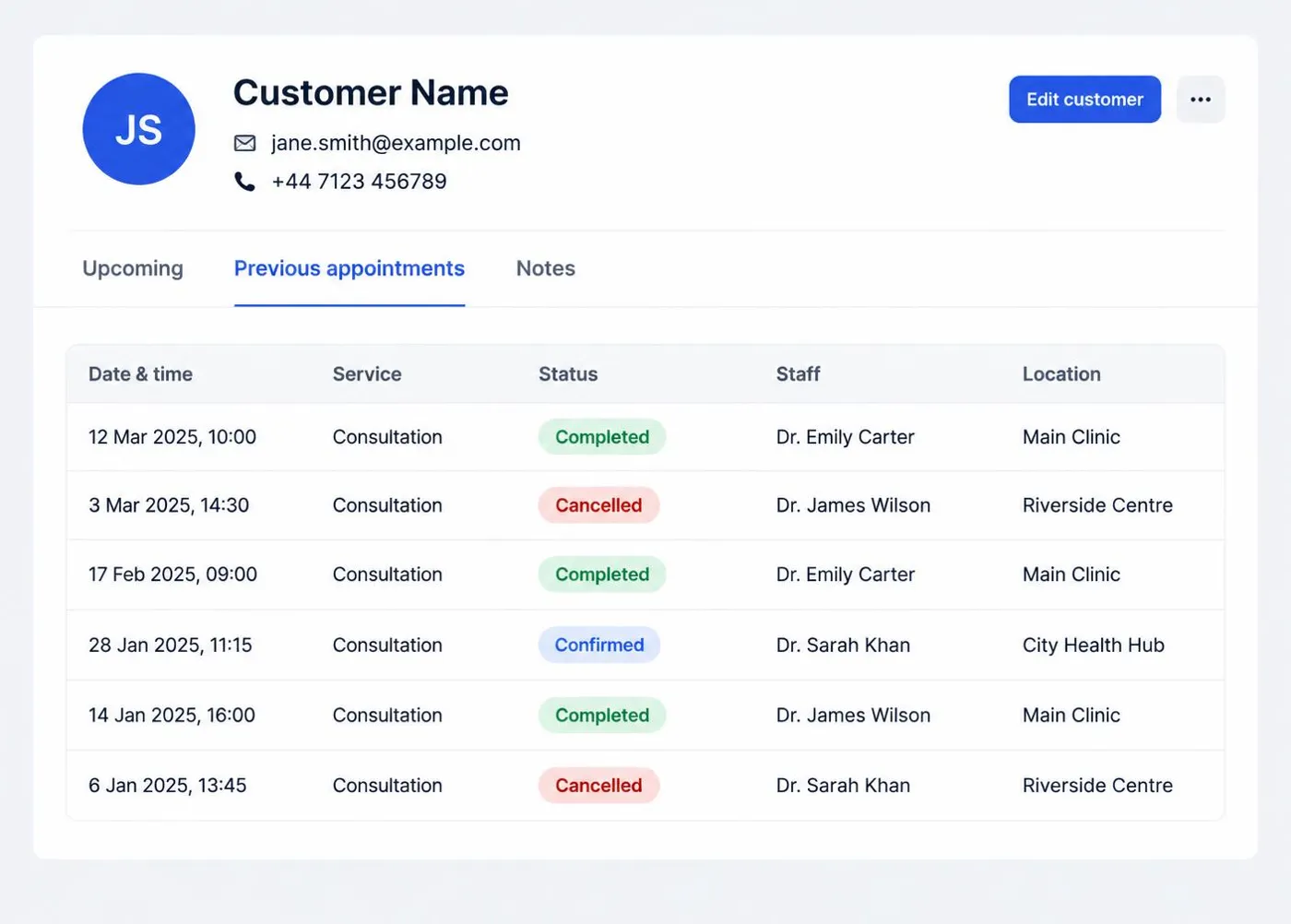
  • Customer name, email and telephone
  • Appointment history
  • Upcoming appointments
  • Customer notes
  • Service history
ScheduleSpring customer records illustrative preview

Calendar Views

Move between the day and the week to plan realistically.
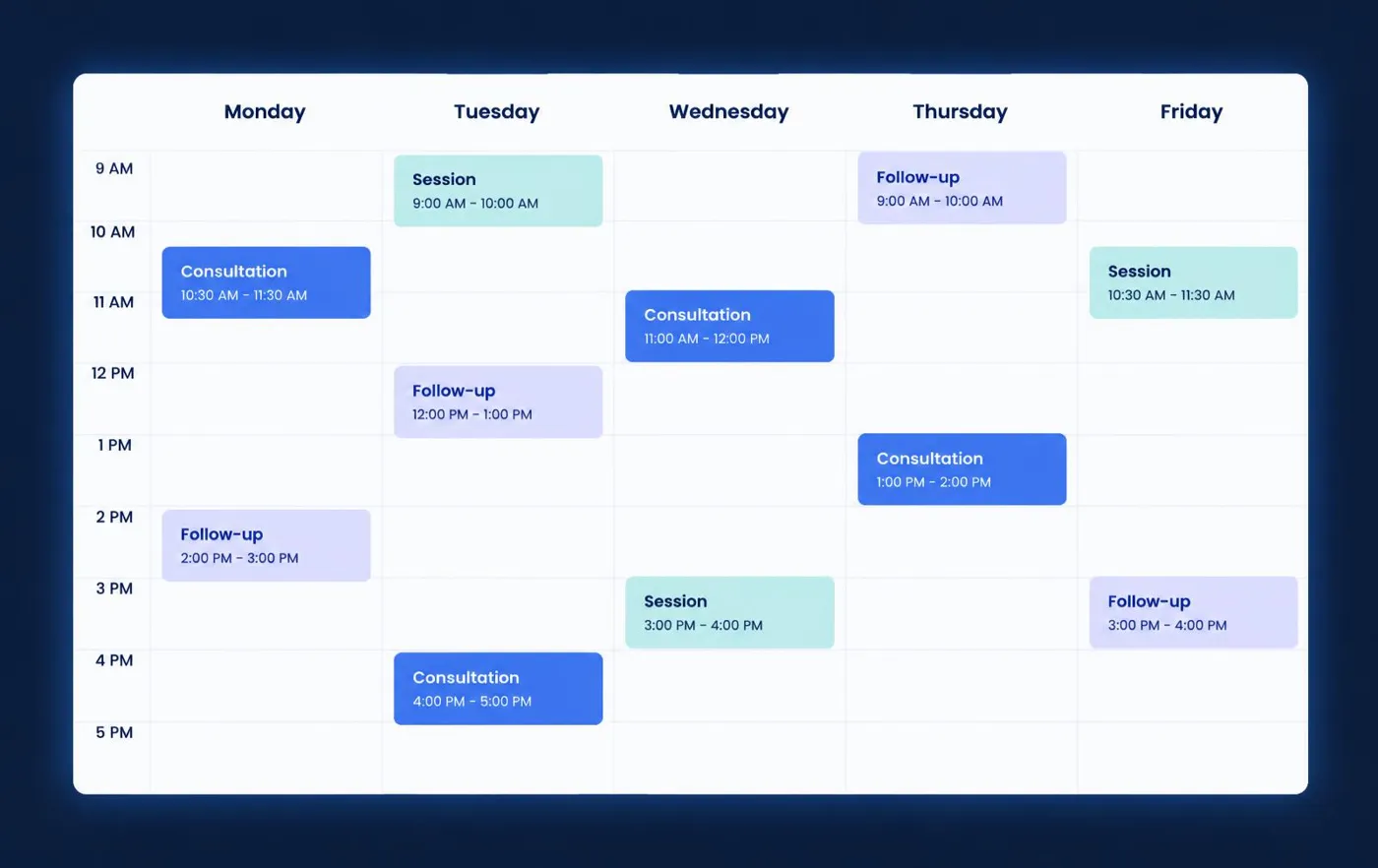
  • Daily view
  • Weekly view
  • Upcoming appointments
  • Booking timeline
  • Date filtering
ScheduleSpring calendar views illustrative preview

Availability

Record the hours you work and the times you do not.
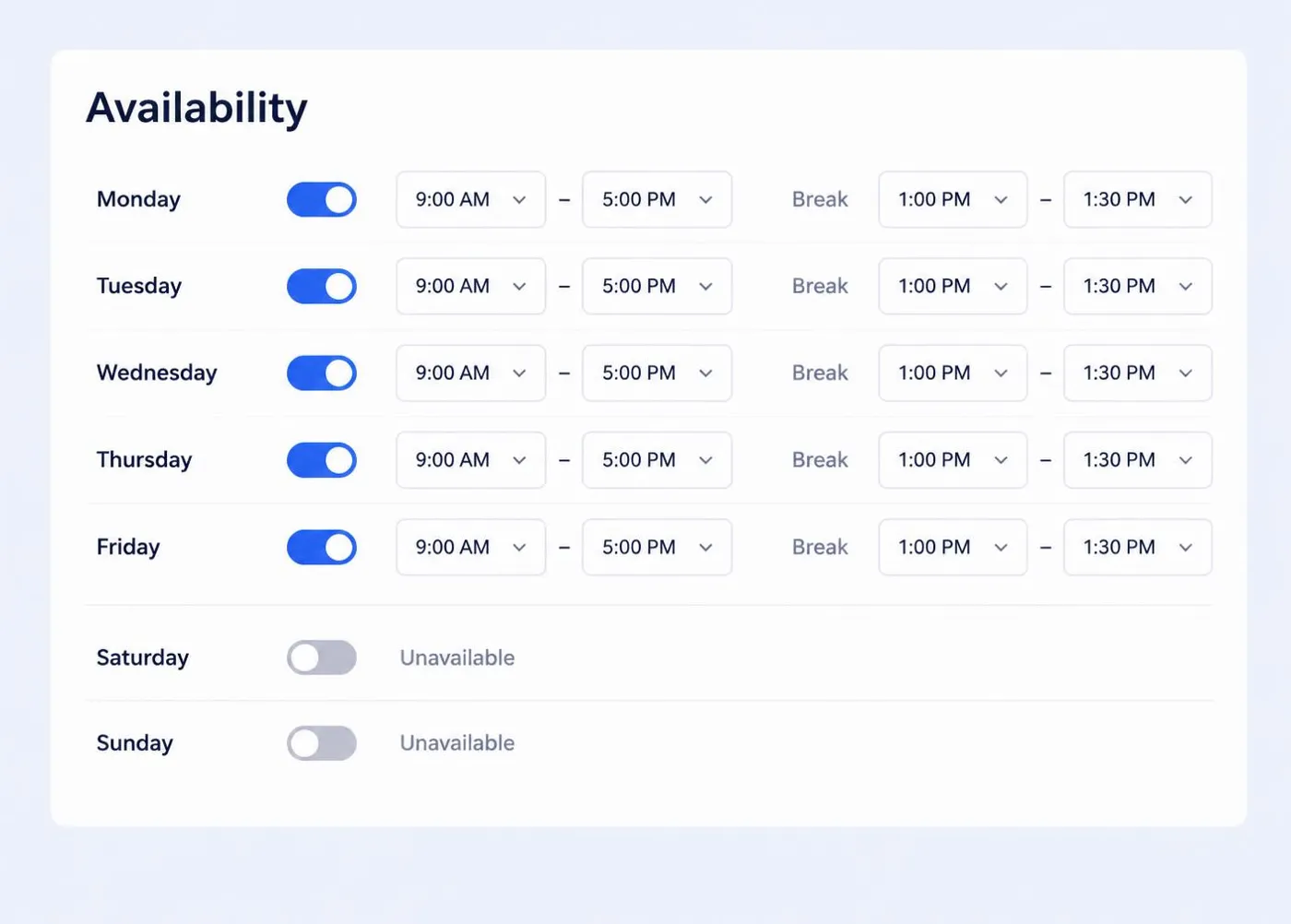
  • Working days
  • Available time periods
  • Break periods
  • Closed periods
  • Staff availability where supported
ScheduleSpring availability illustrative preview

Service Types

Describe what you offer and how long it takes.
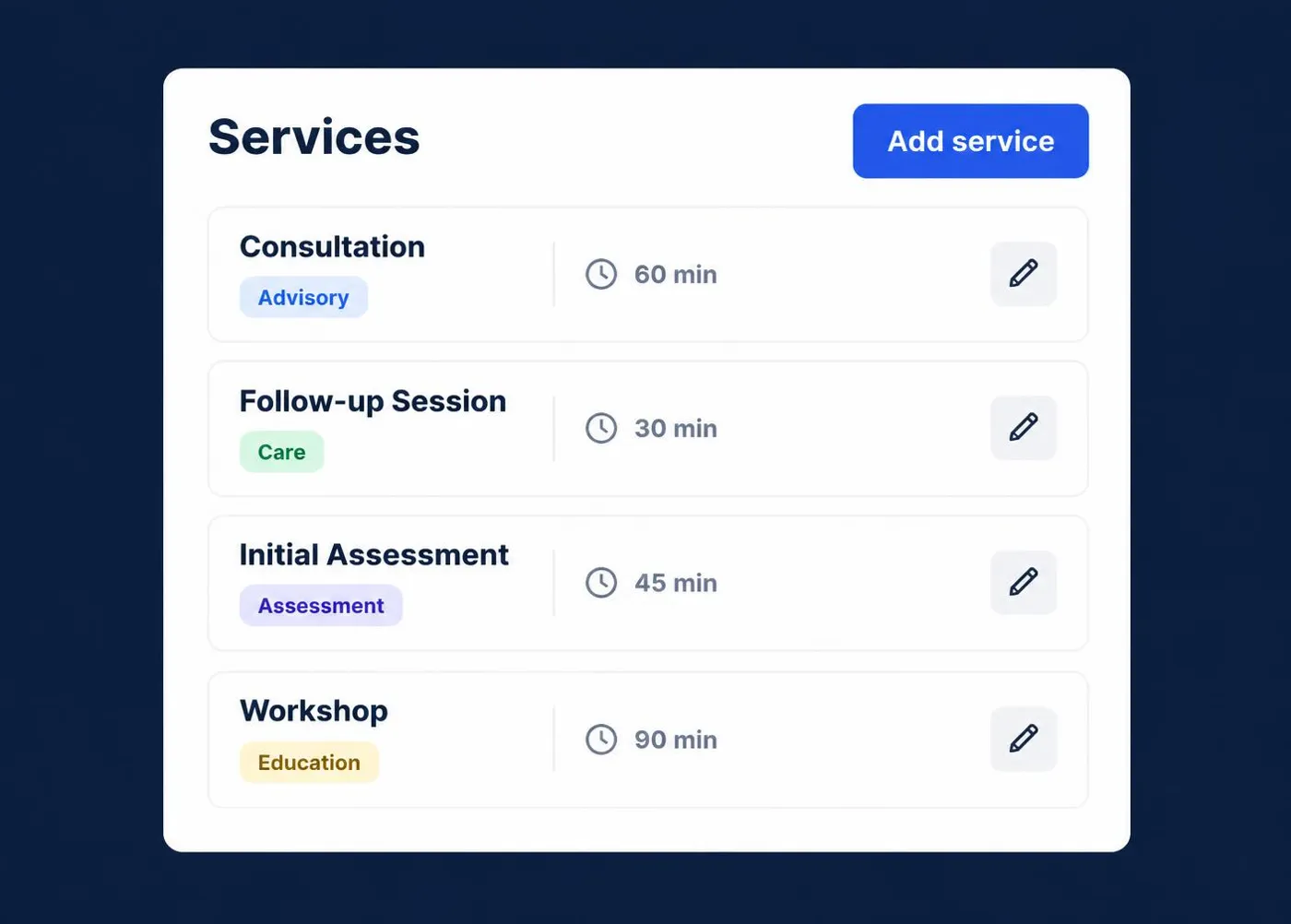
  • Service name and category
  • Duration
  • Description
  • Preparation notes
ScheduleSpring service types illustrative preview

Appointment Status

Eight statuses help you see where every booking stands.
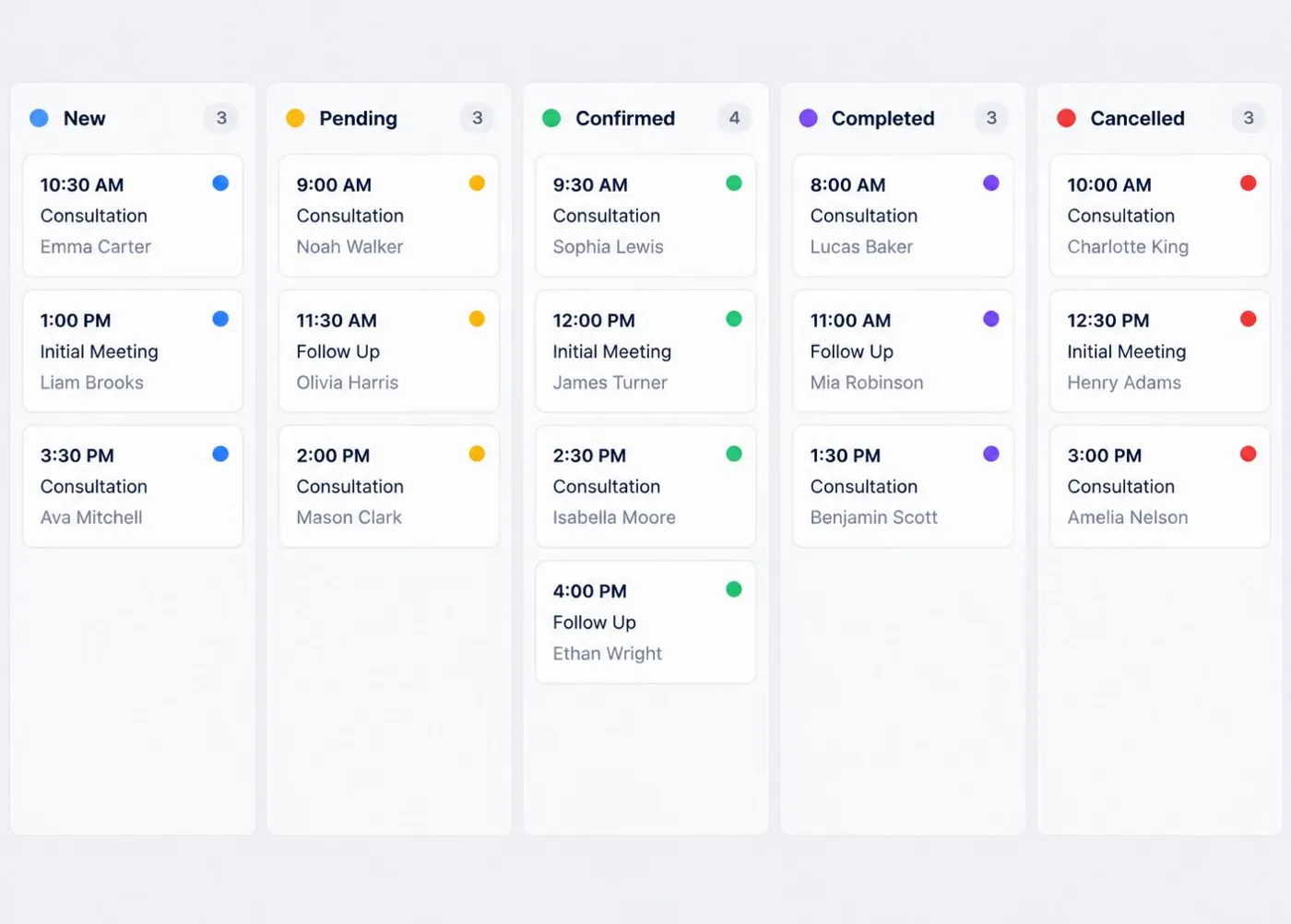
  • New
  • Pending
  • Confirmed
  • In Progress
  • Completed
  • Cancelled
  • No Show
  • Archived
ScheduleSpring appointment status illustrative preview

Booking Notes

Keep the context of each appointment with the booking.

  • Customer requirements
  • Preparation notes
  • Internal information
  • Follow-up notes
  • Completion information
ScheduleSpring booking notes illustrative preview

Scheduling Summaries

Practical totals from your own records. No predictive analytics are claimed.
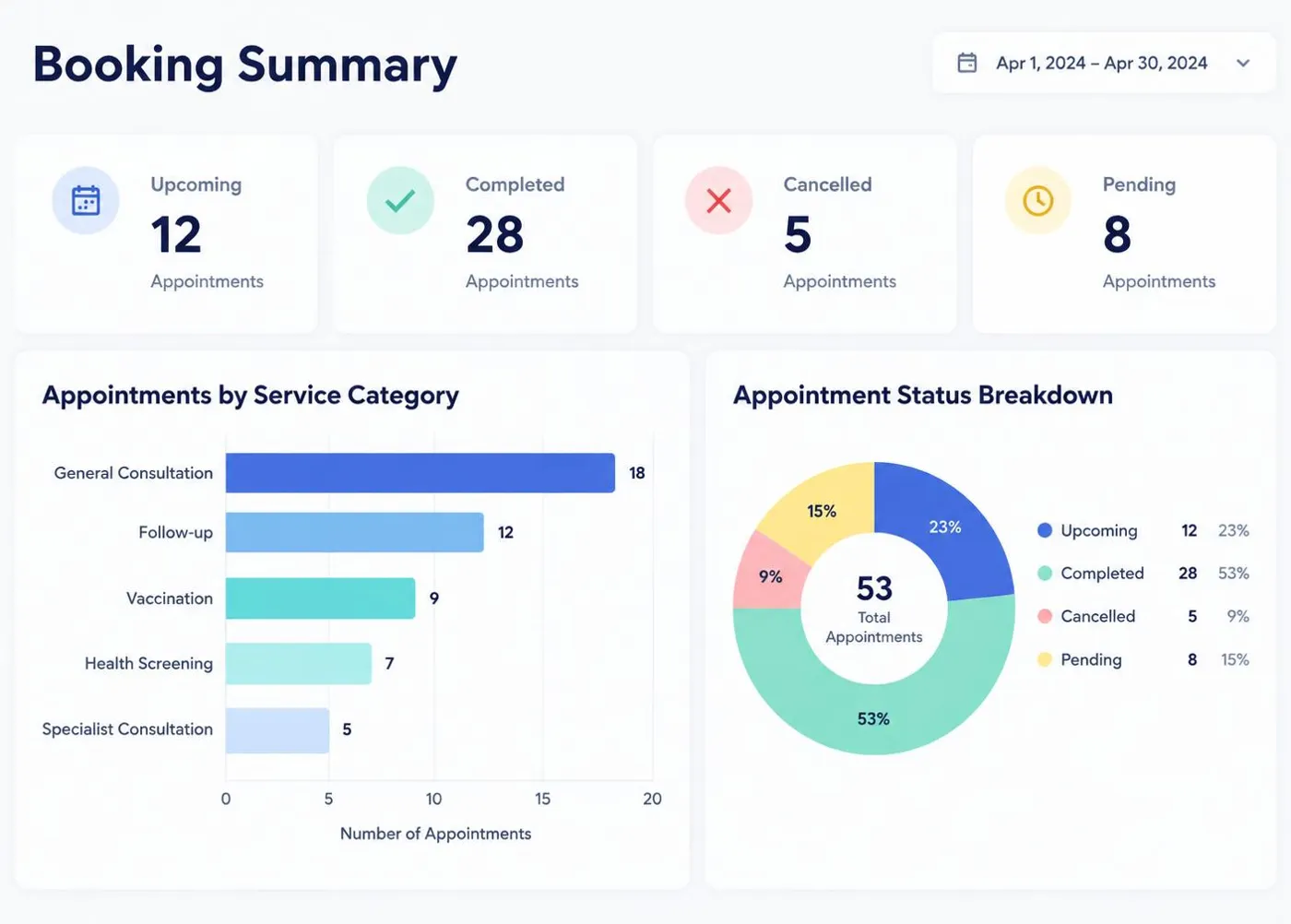
  • Upcoming appointments
  • Completed and cancelled appointments
  • Appointment-status overview
  • Service-category overview
ScheduleSpring scheduling summaries illustrative preview

Search and Filtering

Find bookings without scrolling through weeks of history.

Search customer

Find a person by name.

Search appointment

Look up a booking reference.

Filter by date

Focus on a day or range.

Filter by status

Show pending, confirmed or completed.

Filter by service

See one type of appointment.

Filter by user

Where multiple users are included.

Team Options

Selected higher-level ScheduleSpring packages may include multi-user or team-oriented scheduling features according to the stated package limits. Real-time staff calendar synchronisation is not claimed.

Ready for a More Organised Schedule?

Compare ScheduleSpring packages and choose the capacity that matches your appointments, customers and user requirements.

View PackagesContact ScheduleSpring